
Teachable Review 2026: Is It Worth It After 6 Months of Real Testing?

Teachable is a solid mid-range course platform best suited for solo creators and coaches who want simplicity over feature depth. It works well for selling 1-20 courses with built-in payment processing and a clean student experience.
The main downsides: transaction fees on lower plans eat into margins, design customization is limited, and the email marketing tools need a supplement. If you sell more than $2,000/month in courses, the Pro plan eliminates fees and delivers strong value. Below that, consider whether Thinkific's zero-fee structure saves you more.
Teachable Review: Quick Ratings at a Glance
| Rating | Score |
|---|---|
| Course Builder | 9/10 |
| Payment Processing | 8/10 |
| Design Flexibility | 5/10 |
| Email Marketing | 4/10 |
| Student Experience | 8/10 |
| Pricing Value | 7/10 |
| Support | 6/10 |
| Overall | 7.5/10 |
How We Tested Teachable (Our Review Methodology)
This Teachable review is not based on a 20-minute browse of their marketing page. We conducted a rigorous, 6-month hands-on evaluation using real money, real students, and real courses. Here is exactly what our testing process involved:
Every statement in this review is backed by hands-on use.
Course Builder: Where Teachable Shines
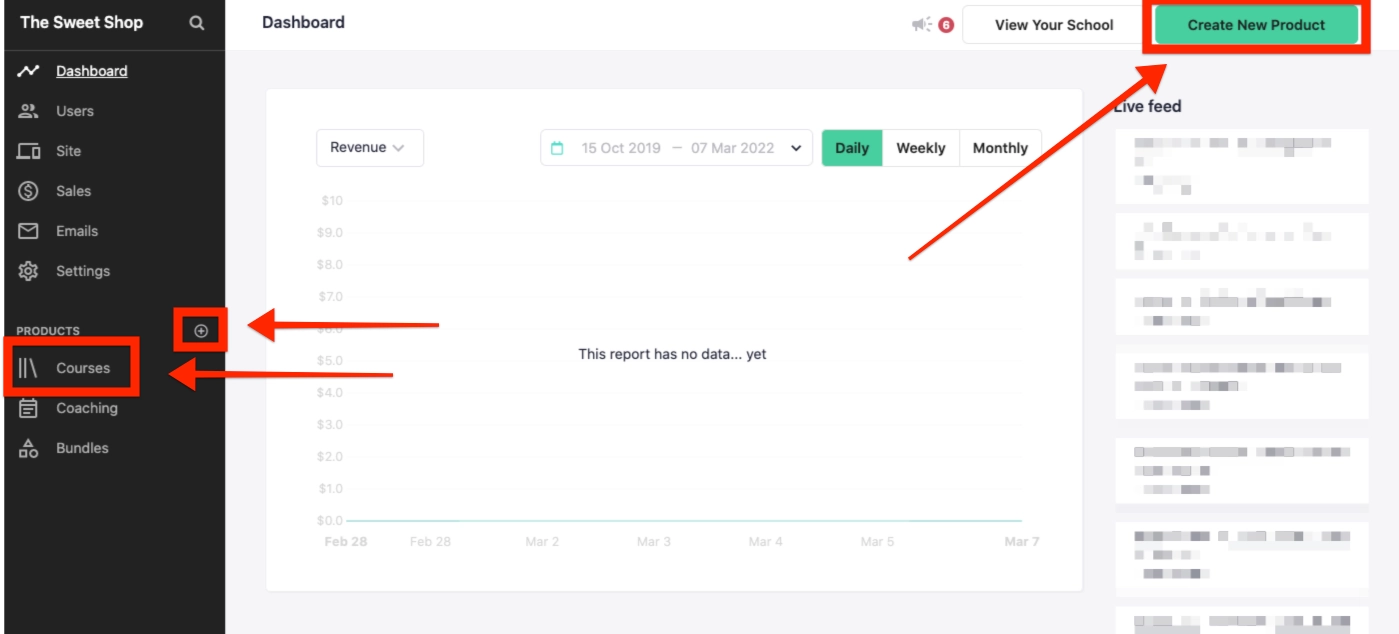
The course builder is the reason most creators choose Teachable, and it deserves the reputation. The drag-and-drop editor is genuinely intuitive — you can rearrange sections, modules, and individual lessons without any friction.
What we liked:
What frustrated us:
The multimedia lesson editor handles PDFs, audio files, and code snippets alongside video. For most course creators, the builder does everything you need without requiring a separate authoring tool.
For a detailed look at specific builder features, read the course builder review.
Payment Processing: Reliable With a Fee Caveat
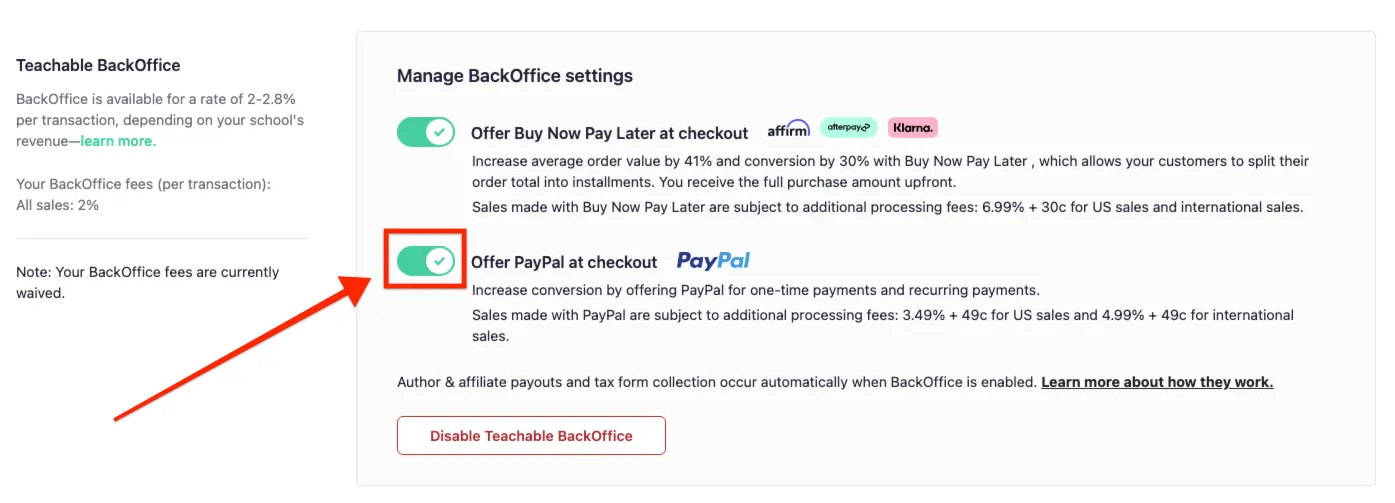
Teachable's integrated Stripe and PayPal processing works without issues. Setup takes about 15 minutes. International payments, subscription billing, payment plans, and one-time purchases all work out of the box.
The fee structure is the elephant in the room. On the Free plan ($1 + 10%) and Basic plan (5%), transaction fees cut into your margins meaningfully. On a $99 course sale with the Basic plan, you lose $4.95 to Teachable plus approximately $3.17 to Stripe — $8.12 per sale in fees.
Upgrade to Pro and the Teachable fee drops to zero. Stripe/PayPal processing fees still apply, but those are industry standard.
Payout schedule:
Read the full pricing breakdown for the exact math on when to upgrade.
Design and Customization: Teachable's Weakest Point
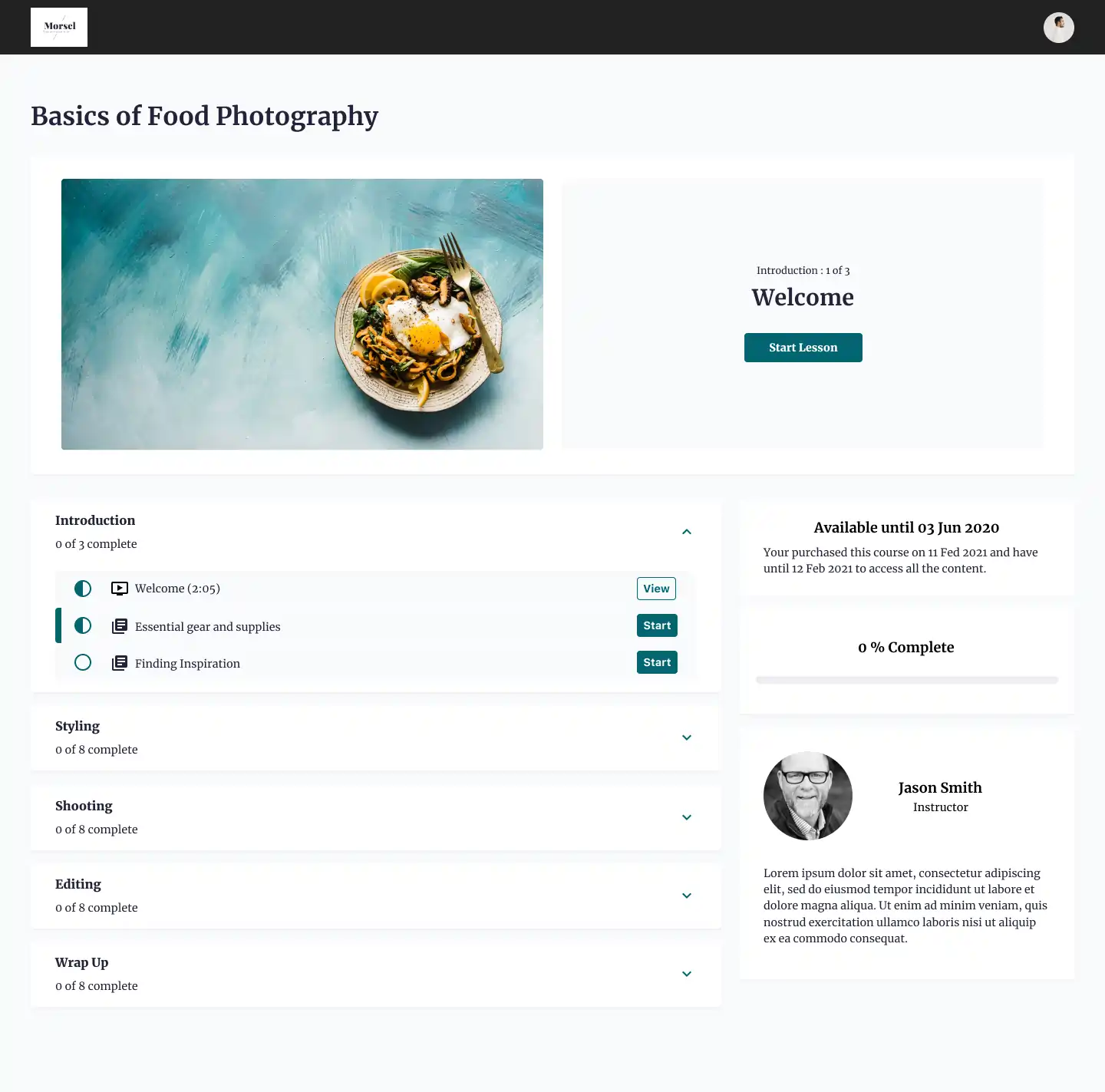
If design flexibility matters to you, this is where Teachable disappoints. The theme editor gives you control over colors, fonts, logos, and basic layout — but you cannot redesign the page structure or add custom sections without code.
What you can customize:
What you cannot customize (without custom code):
Compared to Kajabi, which offers a full website builder with landing pages and sales funnels, Teachable feels restrictive. Compared to WordPress + LMS, you have far less control. But compared to Thinkific and Podia, Teachable is about the same level.
If your brand needs a highly custom look, you will need Kajabi or a WordPress-based solution. If a clean, professional default is good enough, Teachable works fine.
Email Marketing: Functional But Basic
Teachable's built-in email tools handle simple broadcasts and drip sequences. You can send emails to all students, specific course enrollees, or segments based on purchase history.
What works:
What is missing:
For serious email marketing, you need ConvertKit, ActiveCampaign, or a similar platform. Teachable integrates with both via Zapier, but it is not a native integration. This adds cost and complexity.
Coaching Feature: A Genuine Differentiator
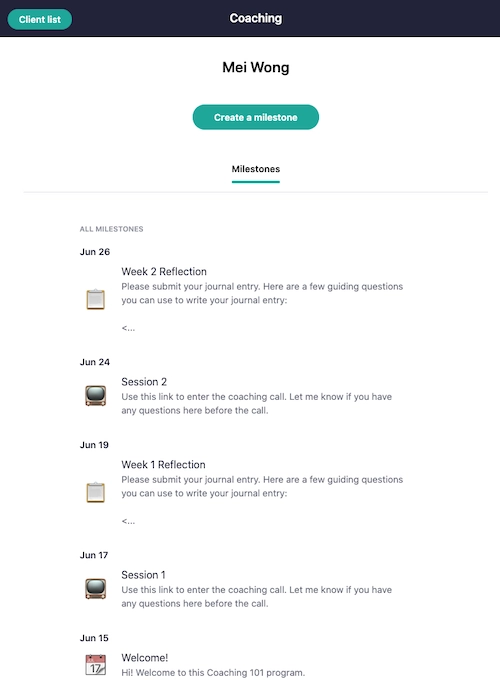
Teachable added native coaching products, and this is one area where it genuinely stands out from competitors. You can sell 1-on-1 coaching packages with:
Thinkific and Podia do not offer native coaching. Kajabi has limited coaching options through its pipeline feature. If you sell both courses and coaching, Teachable is the only mid-range platform that handles both natively.
Read the full coaching feature guide.
Student Experience: Clean and Effective
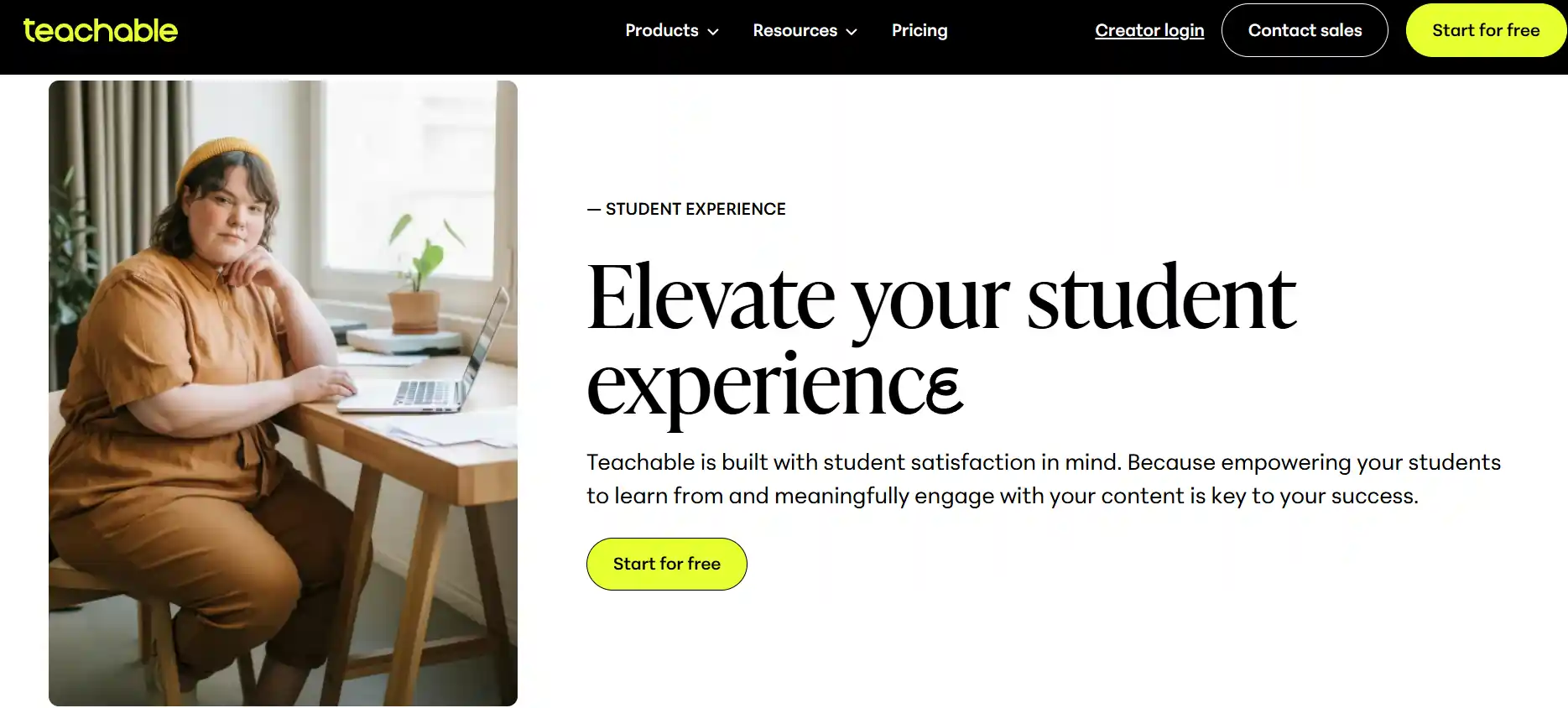
The student-facing interface is one of Teachable's strongest points. Course content loads quickly, the video player works well across devices, and navigation between lessons is straightforward.
Student completion rates on our Teachable courses averaged 38% — significantly better than the 15% average we saw on a WordPress LMS setup. The clean interface and progress tracking contribute to this.
Mobile responsiveness is solid. We tested on iOS Safari, Android Chrome, and iPad — all performed well. The student app provides a decent mobile learning experience.
Customer Support: Varies by Plan
Support quality depends heavily on your plan:
The knowledge base is comprehensive and well-organized. For common issues, self-service documentation resolves most problems faster than waiting for a support response.
Who Should Choose Teachable
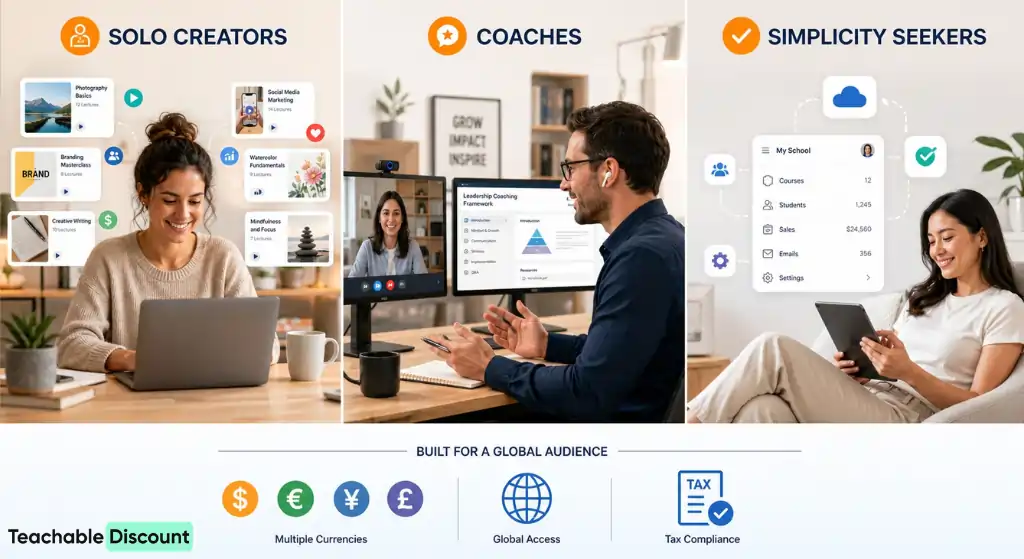
Solo course creators making 1-10 courses. The builder is best-in-class for this use case.
Coaches who also sell courses. Native coaching support makes Teachable the only mid-range platform that handles both.
Creators who want simplicity. If you do not want to manage hosting, plugins, and integrations, Teachable's managed platform is attractive.
International sellers. Built-in tax handling and multi-currency support work well.
Who Should Look Elsewhere
Budget-focused beginners. Thinkific offers zero transaction fees on all plans. If fees are your primary concern, Thinkific is objectively better for early-stage creators.
All-in-one seekers. Kajabi includes email marketing, funnels, website builder, and course hosting. If you would otherwise pay for 3-4 separate tools, Kajabi might save you money.
Design-focused brands. If your school's visual identity is critical to your brand, Teachable's limited design options will frustrate you.
Membership site operators. Dedicated membership platforms handle subscriptions, communities, and recurring content better than Teachable.
See all Teachable alternatives for a full comparison.
Frequently Asked Questions
Is Teachable legit?
Yes. Teachable has been operating since 2014 and hosts over 100,000 course creators. It is owned by Hotmart and processes millions in transactions monthly.
Can you make money with Teachable?
Yes, but success depends on your course content and marketing. Teachable is a tool — it handles hosting, payments, and delivery. You are responsible for creating valuable content and driving traffic.
Is Teachable better than Udemy?
Different models. Udemy is a marketplace where you compete with thousands of courses. Teachable is your own platform where you control pricing, branding, and student relationships. Teachable is better for building a brand; Udemy is better for discovery.
Does Teachable take a percentage of sales?
On the Free plan ($1 + 10%) and Basic plan (5%), yes. On Pro and above, Teachable takes zero transaction fees. Standard payment processing fees from Stripe/PayPal still apply on all plans.
Can I use my own domain with Teachable?
Yes, on all paid plans. The Free plan uses a yourschool.teachable.com subdomain.
The Verdict
Teachable earns a 7.5/10 overall. It does the core job of hosting and selling courses well. The course builder is the best in its price range. Payment processing is reliable. The student experience is clean.
The transaction fees on lower plans, limited design flexibility, and basic email marketing are genuine weaknesses. These are trade-offs, not dealbreakers, but you should plan for them.
My recommendation path:
- Start on the free plan to validate your course
- Upgrade to Basic annual at $39/month when you are selling consistently
- Move to Pro when sales exceed $2,000/month — the fee savings pay for the plan
- Save the most by timing your annual purchase with Black Friday

OUR RECOMMENDATIONS


